[Heatmap #2] Now 10x Faster, and You Can Use It Without an Account
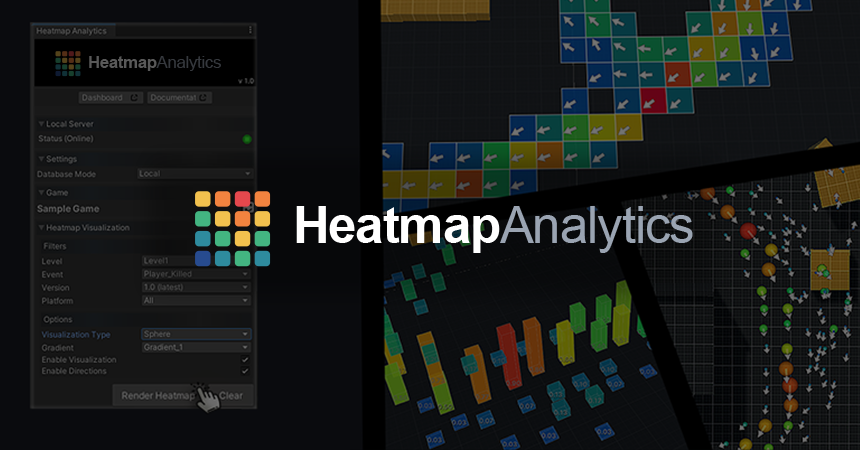
Heatmap Analytics shows you where events cluster in your game, like player deaths, item pickups, enemy encounters, frame rate drops, crashes… They show up as hotspots on your level. Add it to your Unity project, add events, play, and you will get a heatmap over your level instead of a log file.
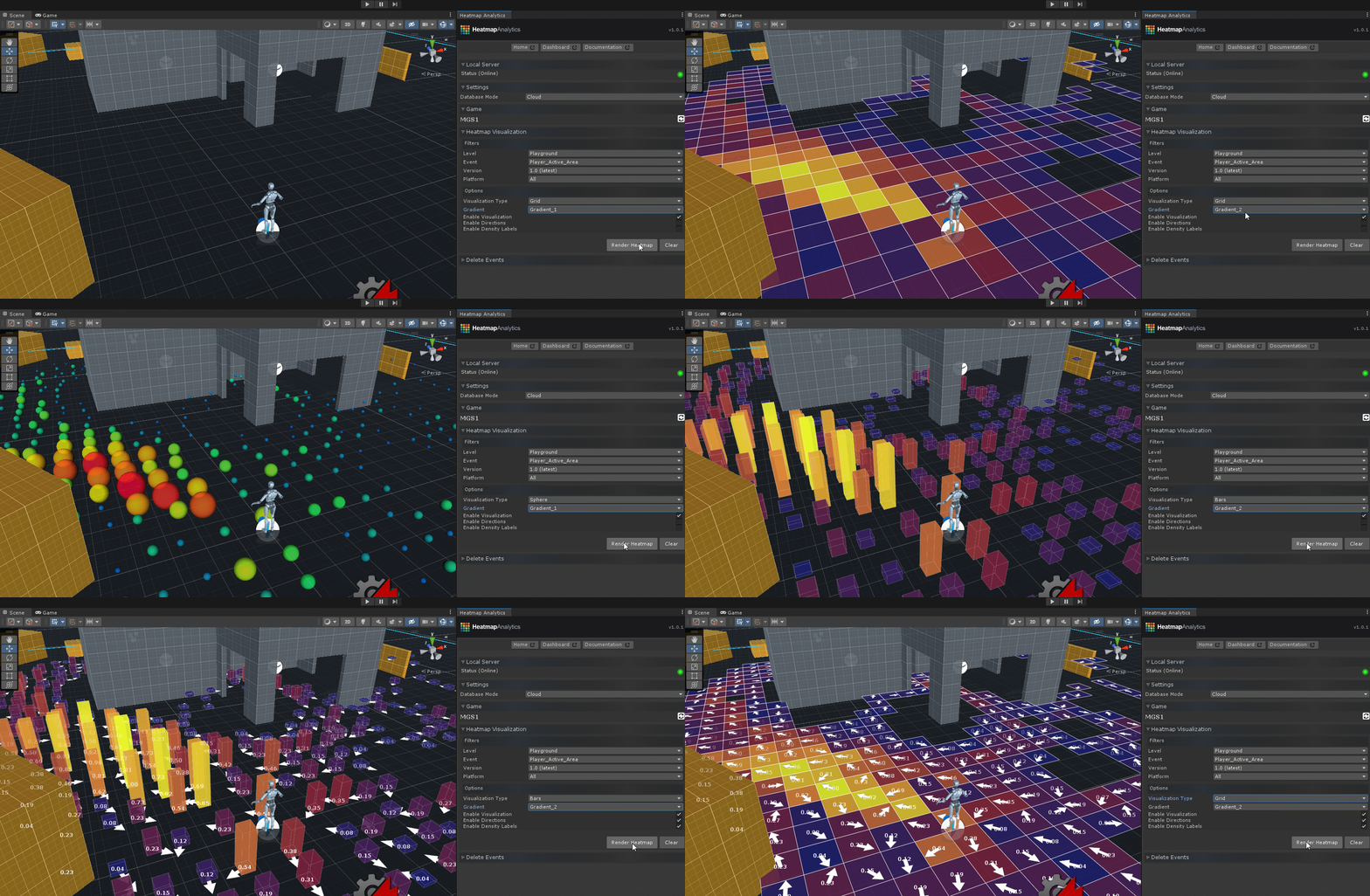
Here’s what changed since last time.
No account needed
You used to have to sign up before you could test anything at all. That’s gone. Grab the SDK, add your events, build, and run — on your own machine or on any device on your LAN.
Make an account when you want data coming in from real players. Until then, you go straight from download to your first heatmap, no friction.
10x faster
The service now handles more than ten times the events it used to, with nothing dropped and no errors under load. Your game makes about ten times fewer network calls to send the same data, and answers come back in milliseconds, so collecting stays out of your frame budget.
Nothing gets lost
The SDK holds on to events when the network drops, then sends them when it comes back. Sends that fail are retried instead of thrown away. I also fixed a bug that dropped some events without any error.
Games you already shipped keep working
Every call the SDK makes now has a version number. I can change things on my side without breaking games that are already out. A game you release today keeps sending data next year, even if players never update it.
Also
- Pulling a lot of events now comes back in pages, so you’re not stuck waiting on one big load.
- You can check your daily usage against your plan whenever you want.
What’s next
A few more features to build, and a handful of fixes on my list. After that I’ll run tests, end to end. Once everything works, I’ll release it.