Devlog #4 — Implementation of An Interaction Prompt System in UE5 (C++)

I have had little time to work on my game lately. I was busy with other projects, mostly VR projects.
The previous week I had a few hours to work on the game, and I decided to implement an interaction prompt system.
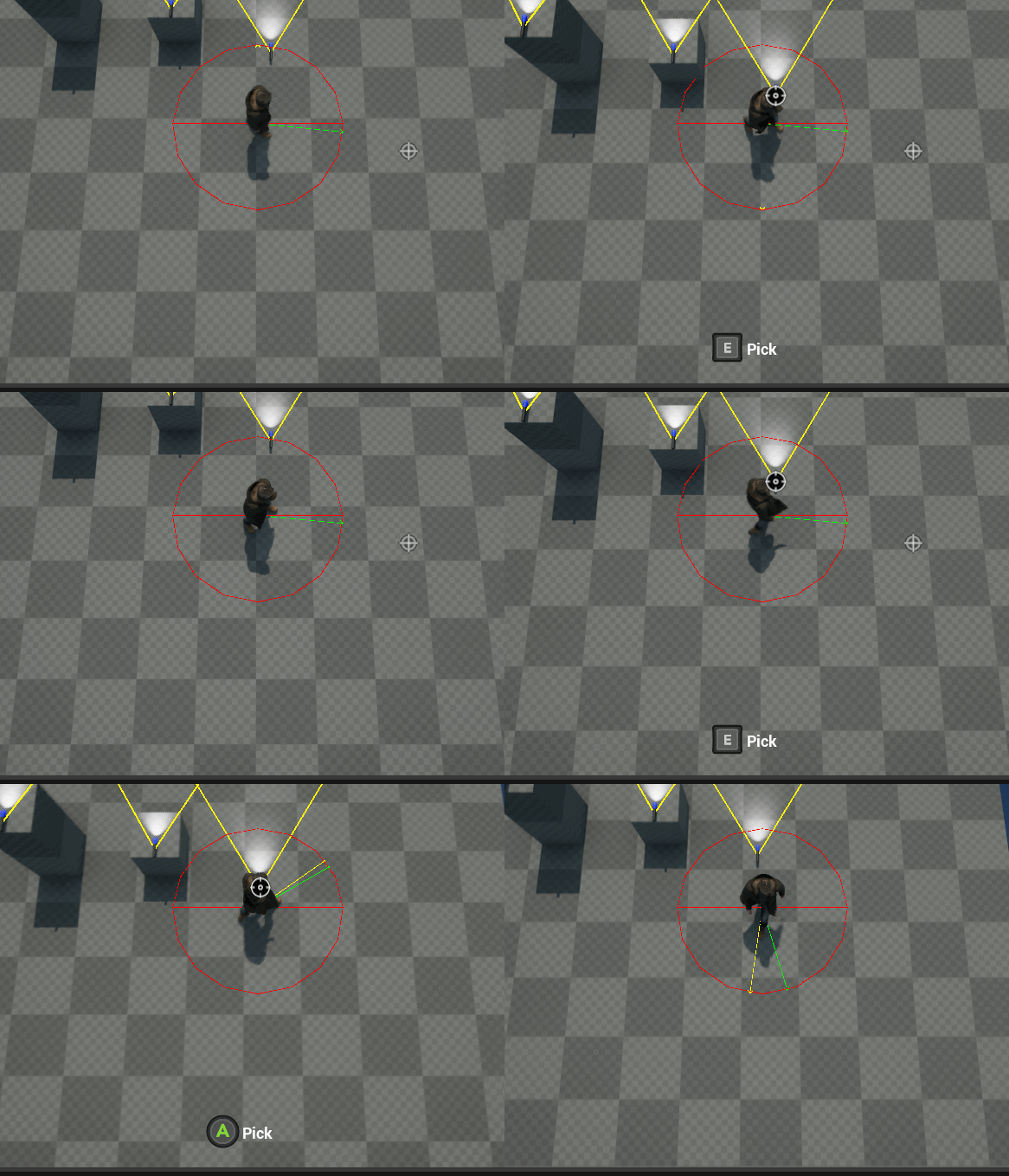
The interaction prompt is the little UI element that appears when you walk up to a door or a pickup item, telling you which button you have to press for interaction. Simple in concept, but if not designed carefully, it may turn into a mess of hardcoded strings and input references everywhere!
The problem with the naive approach
You may think we can just set references to the prompt widget, the name of the action verb, and the icon in the interactable actor, and call it a day. But once you start adding more interactables, change your input mappings, or switch the input device from keyboard&mouse to a controller mid-game, you’d have to update all the interactable actors and their references to the new action verb and icons.
Single source of truth: DataAssets
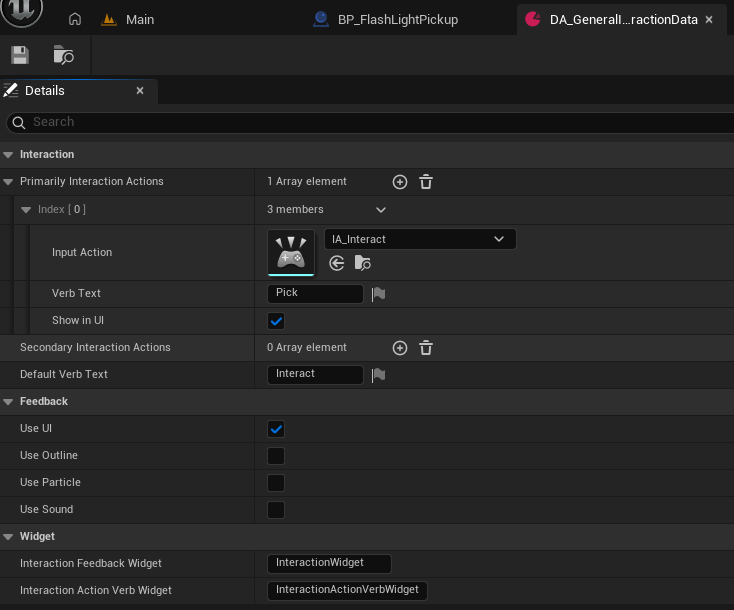
For each category of interactables I created a DataAsset. Each asset holds the input action, action verb (word that appears in the prompts) and other parameters for the prompt.
Doors get one, pickups get another, NPCs get one too… and so on.
Actors know nothing about key names or their textures.
Fetching the icon
When the prompt widget controller initializes, it queries the data asset for the input action and asks the Enhanced Input Subsystem which key is mapped to that action, from there it fetches the icon from a key icon map I defined previously for all keys on all platforms (PC/XBOX, PlayStation, Nintendo Switch…).
Switching the icon of the key is handled by listening to an event (Observer pattern system). When the active device changes, the prompt widget controller queries again the key mapping and swaps icons automatically. The same widget handles all input devices, and no interventions are needed.
Why does this approach scale?
Adding another category of interactable takes only a minute: create a new DataAsset, set the input action and the verb, and assign it to the interactable blueprint. The widget layer never changes; the icon is derived at runtime from whatever the player has bound. If I were to add another type of input device, it would be seamless, just changing a few DataAssets and voilà!
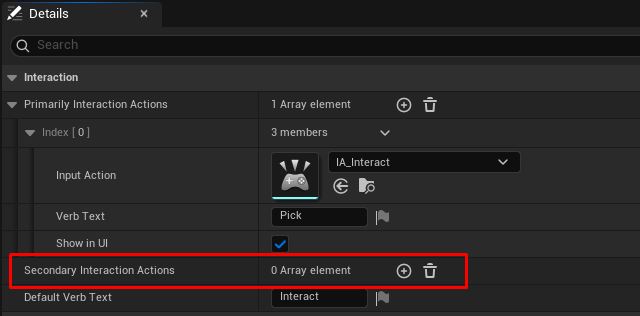
The system also supports secondary inputs. When a player interacts with an actor that can be pushed, a secondary prompt
appears with something like: [Up] Push [Down] Pull [C] Cancel.
Going forward, I will try to focus more on writing about gameplay and less on the technical side. But sometimes a system turns out clean enough that it feels worth sharing. Maybe a better approach would be to lead with the fun and interesting parts first, and then go into technical details if needed – We will see.
That’s all folks, thanks for reading!