Devlog #1 — Light, Shadows, and Monsters in UE5
A New Project!
I am working on a new game in Unreal Engine 5, a top-down horror game, where light plays a central role in the gameplay!
The project is still in the very early stages, I wrote a game design document outlining the mechanics and how light interacts with the monsters.
I am currently in the pre-production stage, I am developing a prototype to validate the idea and improve it in case I don’t get the feeling I want out of the gameplay.
Locomotion
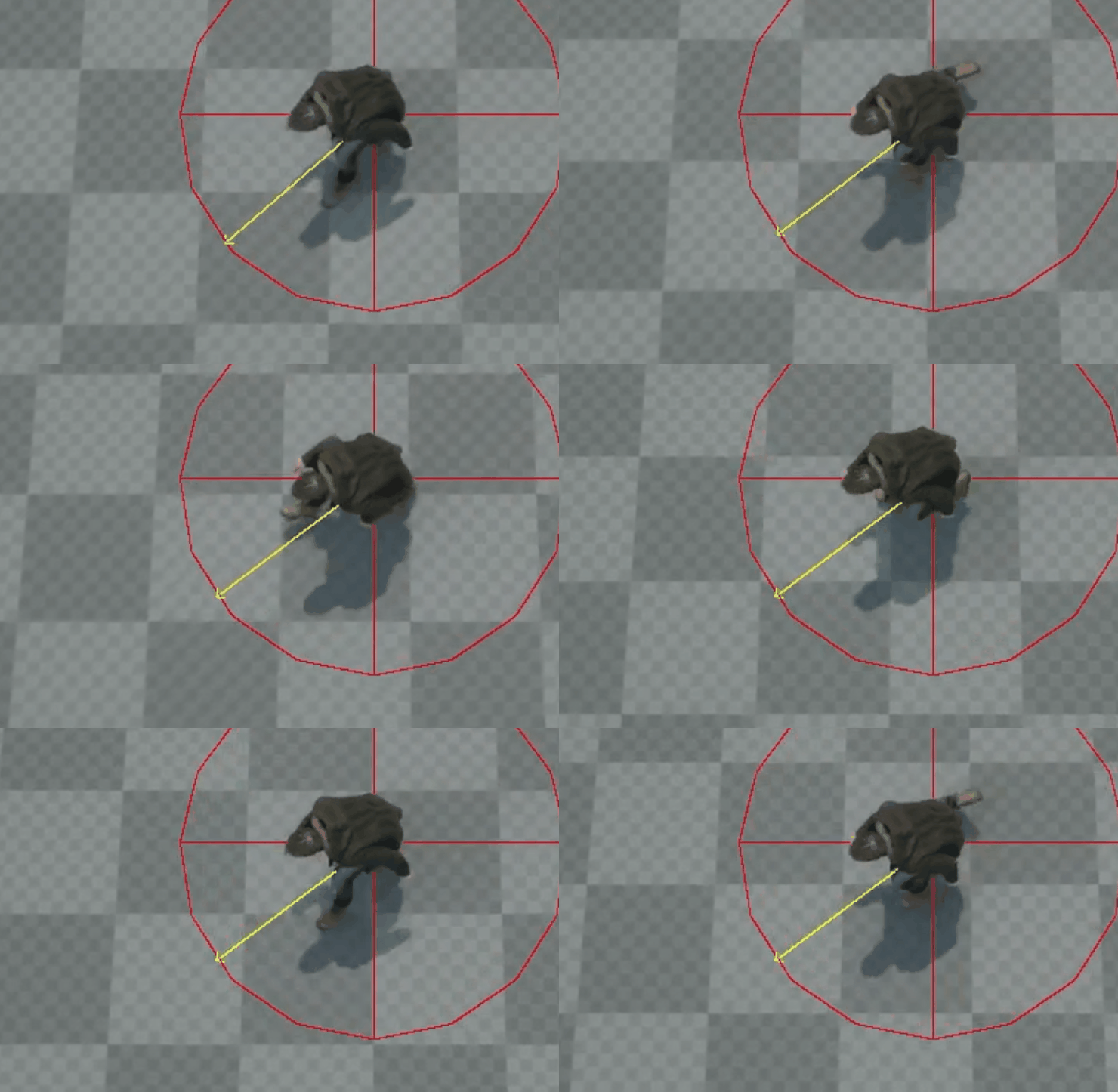
Basic player locomotion is already implemented. I am now adding interactions like picking up items, holding flashlight and pushing/pulling objects.
This video shows the player walking around, along with how the controls are adapted based on the device selected (Part of UGDCore). The InputManager detects a device change and broadcasts this change, and because the player controller is subscribed to this event (Observer pattern), it adapts player’s controls, here it shows an icon for mouse location and the player starts to rotate towards the mouse pointer when keyboard/mouse is detected.
I don’t like foot sliding in games when a player walks or runs, so I always carefully adjust the animation speed to keep the character firmly grounded when walking, crouching or running.
Core Plugin
Throughout my experience as a game developer, I learned that it is essential to have a core plugin or modules that contains reusable systems and components that can be used across game projects.
That’s why I created UGDCore before I started working on this project. Whenever I am working on a system or a UI element that could be reused, I create it inside UGDCore in a data-driven way, so it’s easy to customize it for any game project.
UGDCore currently has these systems:
- Maps and sub-maps Loading with transitions that can be customized.
- Service Locator.
- Pooling Manager: Spawn any actor from anywhere in the code by name, pooled actors and their capacity are stored in a DataAsset file.
- Audio Manager: Plays sound effects and music from anywhere in the code by name, music and SFXs are stored in a DataAsset file.
- Events Manager: Observer Pattern implementation.
- Input Manager: Listen to input device changes and broadcast an event, the event parameter can tell what device is active, for example, a keyboard/mouse or gamepad.
The plugin is still in development and constantly evolving with the game.
More updates will be coming soon as the prototype evolves!